
Request a Quote

Microsoft 365 Services in Barnsley

Microsoft 365 Support, Security & Cloud Solutions

Make Microsoft 365 work harder for your business with professional setup, migration, security and ongoing management from 101 Digital Solutions.

From Exchange Online, Teams and SharePoint to Microsoft Entra ID and Intune, we help businesses across Barnsley and South Yorkshire stay connected, productive and secure.

Microsoft 365 Licensing, Setup & Management

Microsoft 365 brings together business email, productivity applications, cloud storage and collaboration tools in one platform. We help businesses get the most from Microsoft 365 without the complexity of managing it themselves.

Our Microsoft 365 services include:

  • Licensing & subscriptions – choosing and managing the right Microsoft 365 Business or Enterprise plans.
  • Microsoft 365 setup – configuring tenants, domains, users and business applications.
  • User management – managing accounts, permissions, shared mailboxes and distribution groups.
  • Ongoing administration – troubleshooting issues, managing changes and maintaining your Microsoft 365 environment.
  • Microsoft 365 migrations – moving existing email, users and services to Microsoft 365 with minimal disruption.

Whether you’re adopting Microsoft 365 for the first time or need professional management of an existing environment, our engineers are here to help.
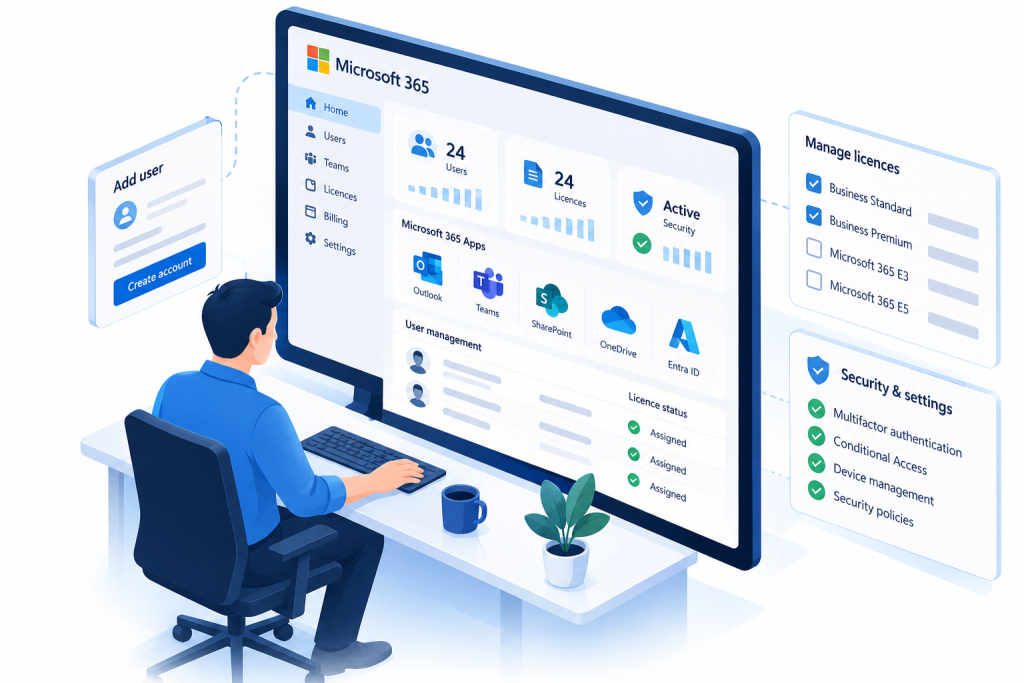
Isometric illustration of a Microsoft 365 administrator managing user accounts, licences, applications and security settings from a central dashboard.

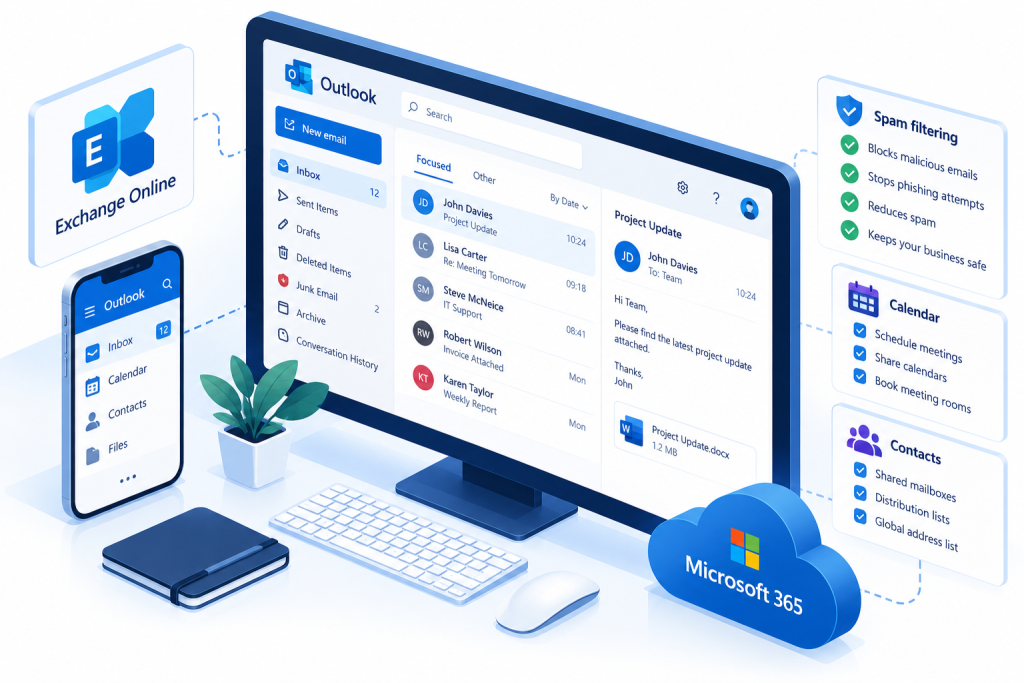
Isometric illustration of Microsoft Exchange Online and Outlook business email, showing inbox management, shared calendars, contacts and spam filtering.

Exchange Online & Business Email

Reliable business email is essential for everyday communication. Microsoft Exchange Online provides professional email hosting, shared calendars and mailbox management, without the need to maintain your own email server.

At 101 Digital Solutions, we configure, migrate and manage Exchange Online for businesses across Barnsley and South Yorkshire.

Our Exchange Online services include:

  • Business email hosting – professional email using your company domain.
  • Email migrations – moving mailboxes from existing servers, hosting providers or other Microsoft 365 environments.
  • Shared mailboxes & calendars – helping teams communicate and work together.
  • Email security & spam filtering – configuring anti-phishing, anti-spam and email protection policies.
  • Ongoing email management – mailbox permissions, mail flow, troubleshooting and administration.

Whether you’re moving away from an ageing Exchange server or need help managing Microsoft 365 email, we’ll make the transition as straightforward as possible.

Microsoft Teams, SharePoint & OneDrive

Microsoft 365 makes it easier for employees to communicate, collaborate and access their files wherever they’re working. We help businesses configure and manage Teams, SharePoint and OneDrive to improve productivity and simplify file sharing.

Our collaboration services include:

  • Microsoft Teams – business messaging, video meetings and team collaboration.
  • SharePoint Online – centralised document libraries, company files and secure information sharing.
  • OneDrive for Business – personal cloud storage and file synchronisation across devices.
  • File migrations – moving data from existing file servers and shared drives into Microsoft 365.
  • Permissions & access management – ensuring employees can access the information they need while protecting sensitive business data.

Whether you’re replacing traditional network drives or improving collaboration between offices and remote workers, we’ll help you get the most from Microsoft 365.

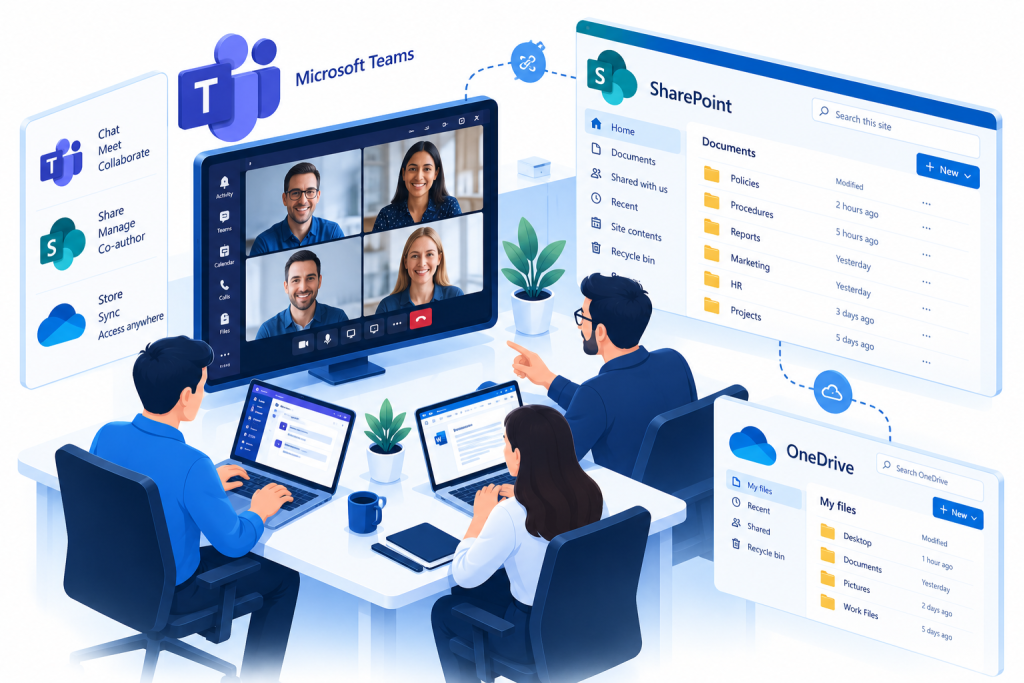
Isometric illustration of Microsoft Teams video meetings, SharePoint document sharing and OneDrive cloud storage supporting business collaboration.

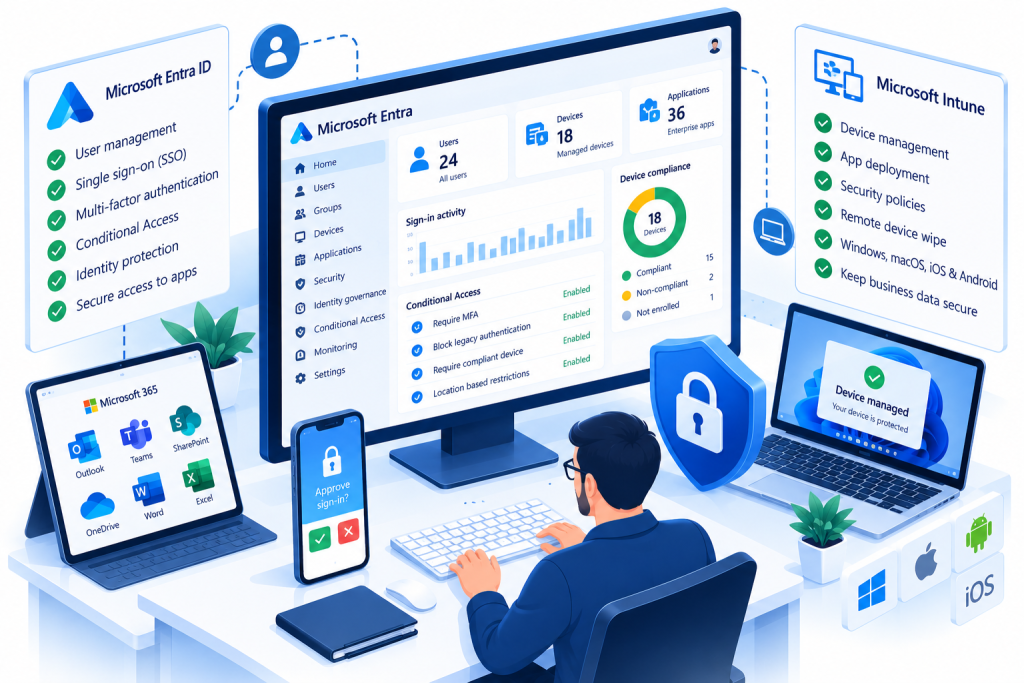
Isometric illustration of Microsoft Entra ID and Intune managing business devices, user identities, multifactor authentication and Conditional Access security policies.

Microsoft Entra ID, Intune & Device Management

Modern businesses need secure access to their applications, files and devices, whether employees are working in the office, at home or on the move.

We help businesses implement and manage Microsoft Entra ID and Intune, simplifying user authentication, device management and security across their Microsoft 365 environment.

Our services include:

  • Microsoft Entra ID – managing cloud identities, user accounts and application access.
  • Microsoft Intune – centrally managing Windows computers, laptops and mobile devices.
  • Conditional Access & MFA – protecting accounts with multifactor authentication and access policies.
  • Device configuration & compliance – applying security settings and company policies to managed devices.
  • Hybrid identity & migrations – integrating existing Active Directory environments or moving suitable devices to cloud-based management.

Whether you’re managing a small team or modernising an established IT environment, we’ll help you improve security while keeping access straightforward for your employees.

Microsoft 365 Security, Backup & Data Protection

Microsoft 365 offers powerful security features, but protecting your business requires the right configuration, monitoring and backup strategy.

At 101 Digital Solutions, we help businesses secure their Microsoft 365 environments against unauthorised access, phishing, data loss and other cyber threats.

Our Microsoft 365 security services include:

  • Microsoft Defender for Office 365 – protection against phishing, malicious links and email attachments.
  • Multifactor authentication (MFA) – strengthening account security and reducing the risk of compromised passwords.
  • Conditional Access – controlling sign-ins based on location, device compliance and other security conditions.
  • Email security & spam filtering – configuring protection policies and reducing unwanted or malicious messages.
  • Microsoft 365 backup – independent backup solutions for Exchange Online, OneDrive, SharePoint and Teams data, where supported.

Whether you’re improving an existing Microsoft 365 environment or implementing security from the outset, we’ll help protect your users, business information and essential cloud services.

For additional protection, explore our Backup & Disaster Recovery services.

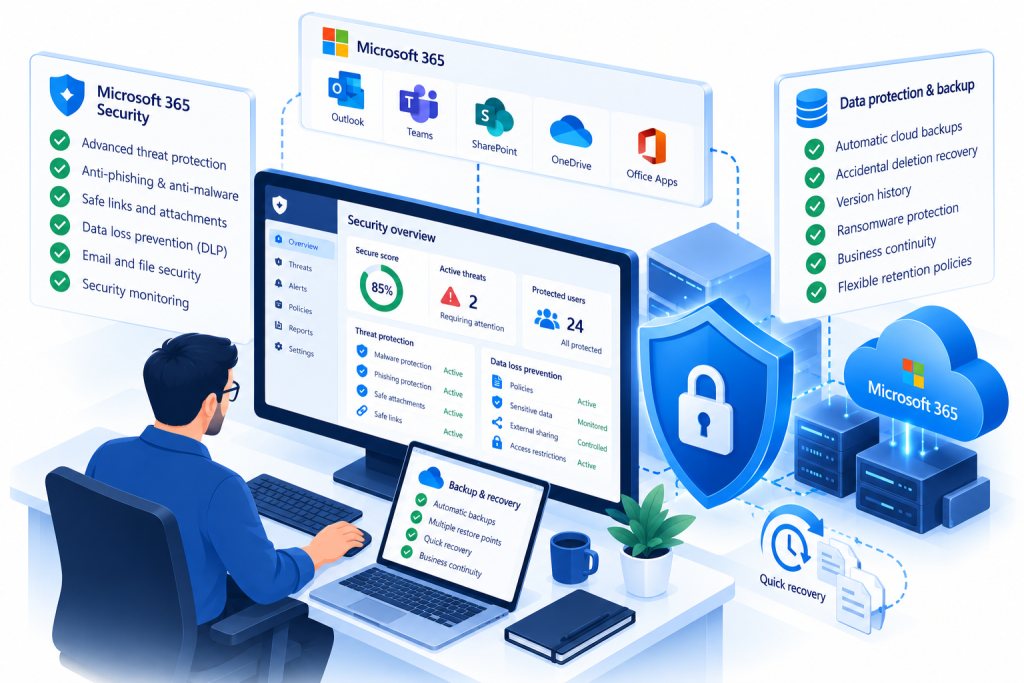
Isometric illustration of Microsoft 365 security, showing phishing protection, threat monitoring, secure cloud backups and data recovery.

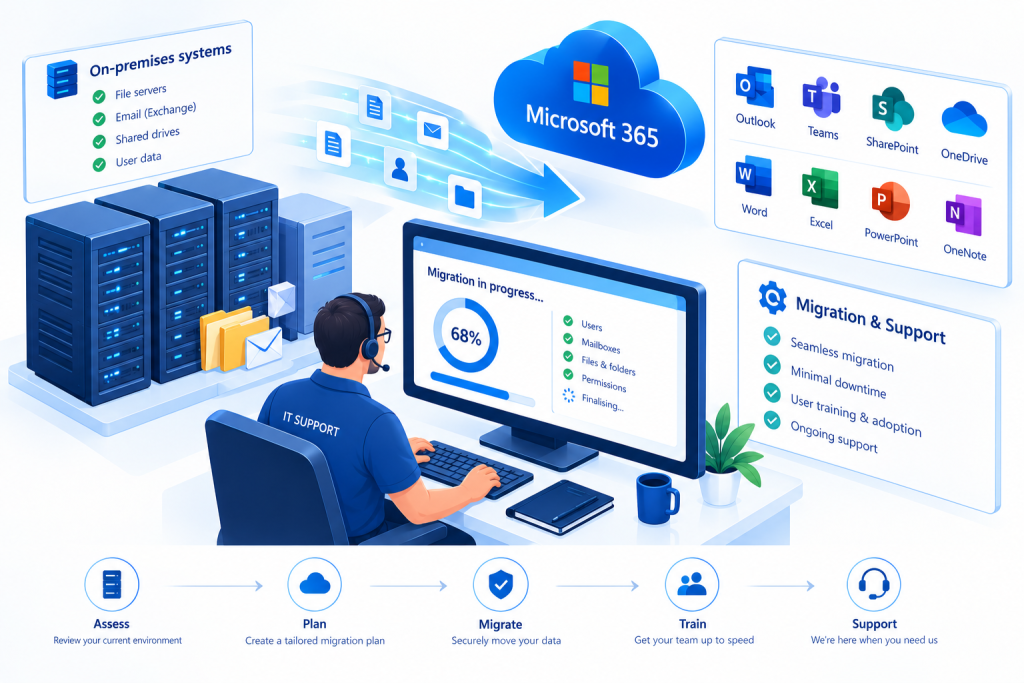
Isometric illustration of an IT engineer migrating business email, files and user accounts from on-premises servers to Microsoft 365, with ongoing technical support.

Microsoft 365 Migration & Ongoing Support

Moving to Microsoft 365 doesn’t have to be complicated. Whether you’re migrating from an existing email provider, replacing an on-premises Exchange server or moving between Microsoft 365 tenants, we’ll help make the transition as smooth as possible.

Our Microsoft 365 migration and support services include:

  • Email migrations – transferring mailboxes, calendars and contacts from existing email platforms.
  • Tenant-to-tenant migrations – moving Microsoft 365 services between organisations or tenants.
  • SharePoint & OneDrive migrations – moving business files from existing servers and cloud platforms.
  • Microsoft 365 troubleshooting – resolving email, authentication, licensing and application issues.
  • Ongoing administration & support – managing users, permissions, configurations and service changes.

From initial planning and migration to everyday administration, our engineers provide practical support to keep Microsoft 365 working for your business.

Need Help With Microsoft 365?

Whether you’re moving to Microsoft 365, improving email security, managing business devices or need ongoing technical support, our experienced engineers are here to help.

At 101 Digital Solutions, we provide Microsoft 365 setup, migration, security and support for businesses across Barnsley and South Yorkshire.

Contact us to discuss your requirements and find out how we can help your business get more from Microsoft 365.

Discuss Your Microsoft 365 Requirements